Quickstart Guide
note
Get started with CodeRabbit in three simple steps. No complex configuration needed.
Steps to Enable CodeRabbit
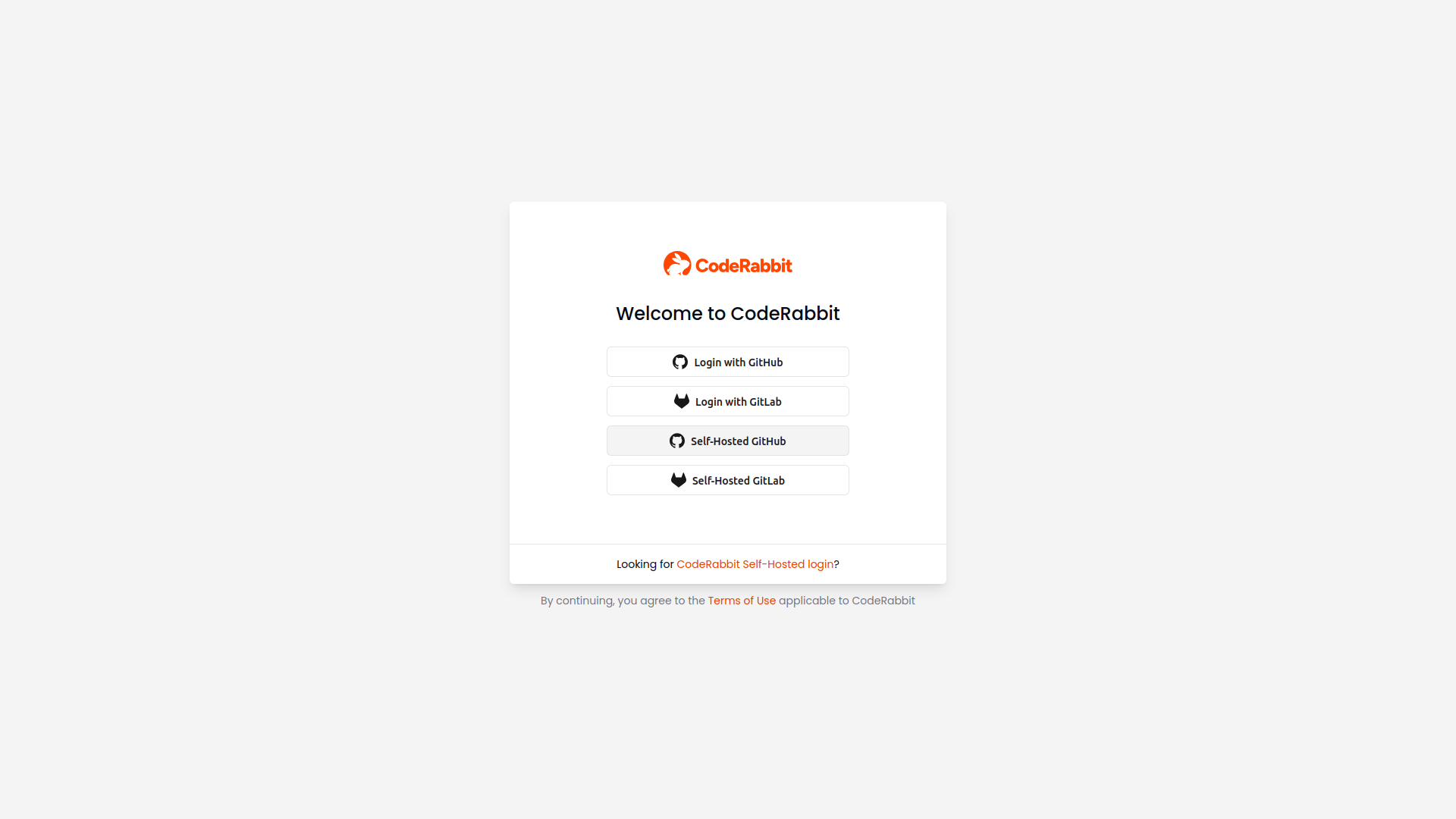
Sign In with GitHub
- Visit coderabbit.ai
- Click "Sign in with GitHub"
- Authorize CodeRabbit
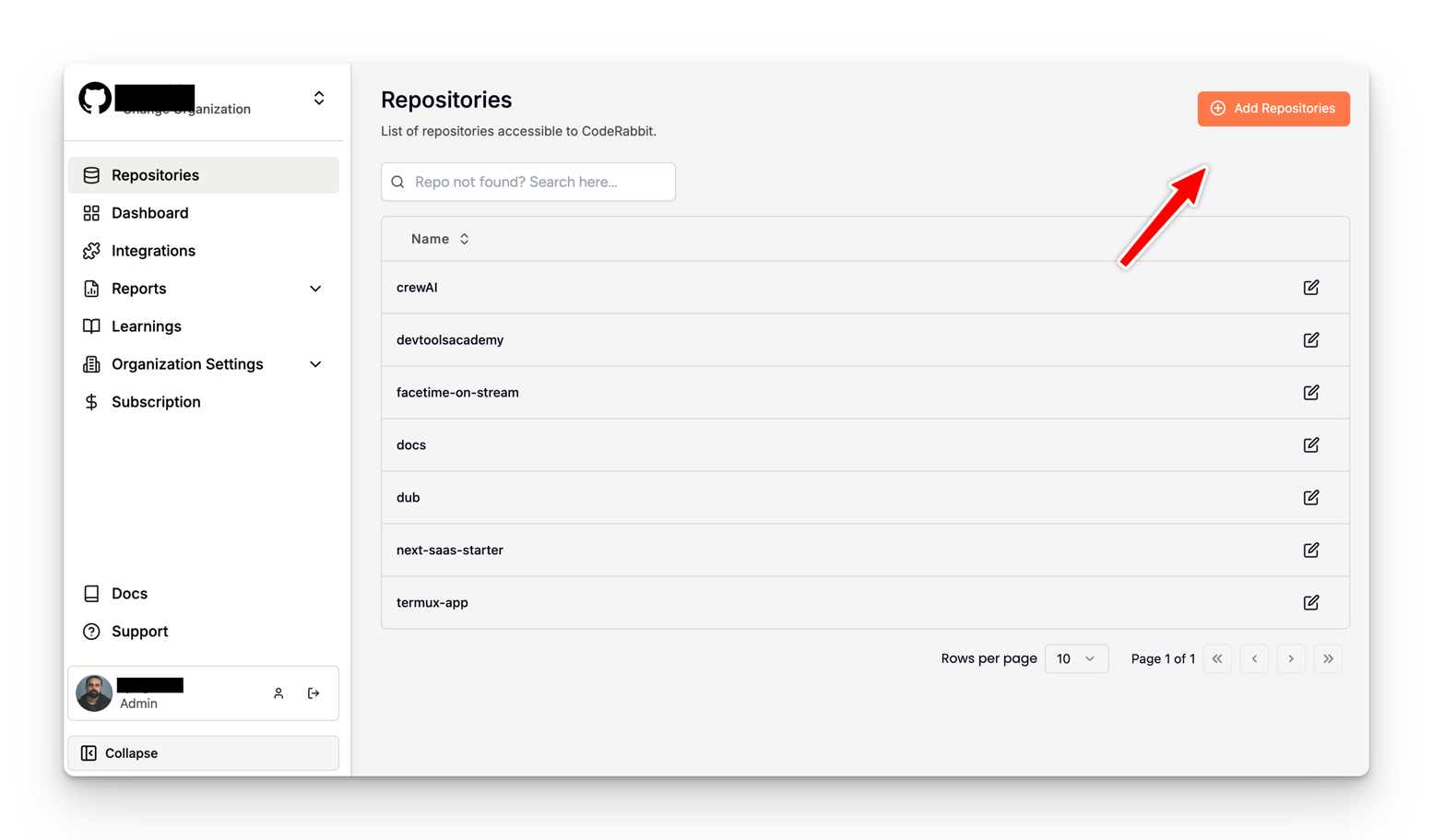
Add Your Repository
- Go to your Dashboard
- Click "Add Repositories"
- Select the repositories you want to enable
You're Done 🎉
- CodeRabbit will automatically start reviewing your Pull Requests
- Default configuration works out of the box
- No additional setup needed
What's Next?
- Watch CodeRabbit
- Here's an example of CodeRabbit in action:
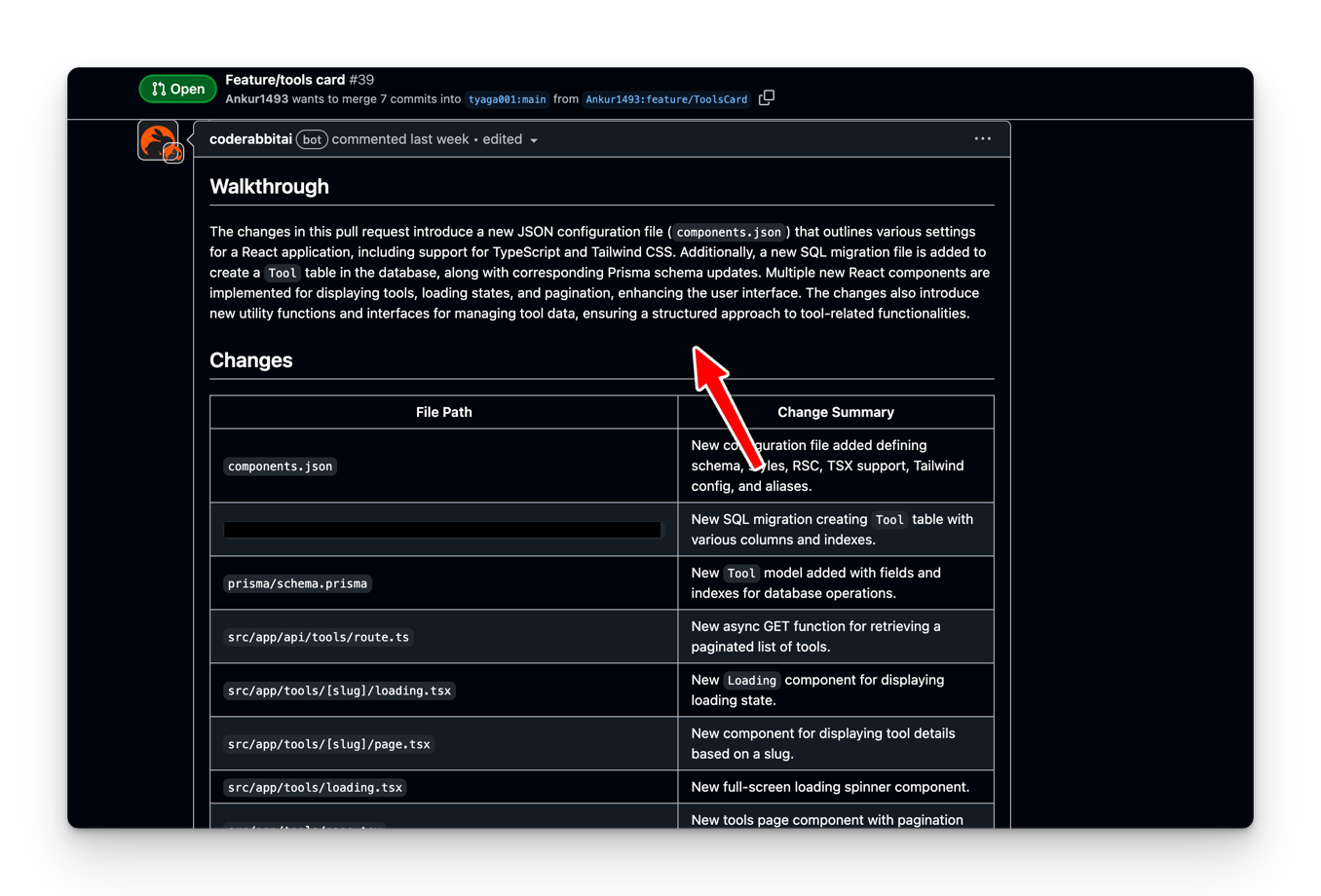
- View live example PR
- Configure CodeRabbit (optional)
- Add custom review instructions (optional)
Need Help?
- Join our Discord community for support
- Check out our FAQ
- Contact support@coderabbit.ai
tip
CodeRabbit starts working immediately. You can customize its behavior later when needed.